Instagram Login Loop: Why It Happens and How to Break It
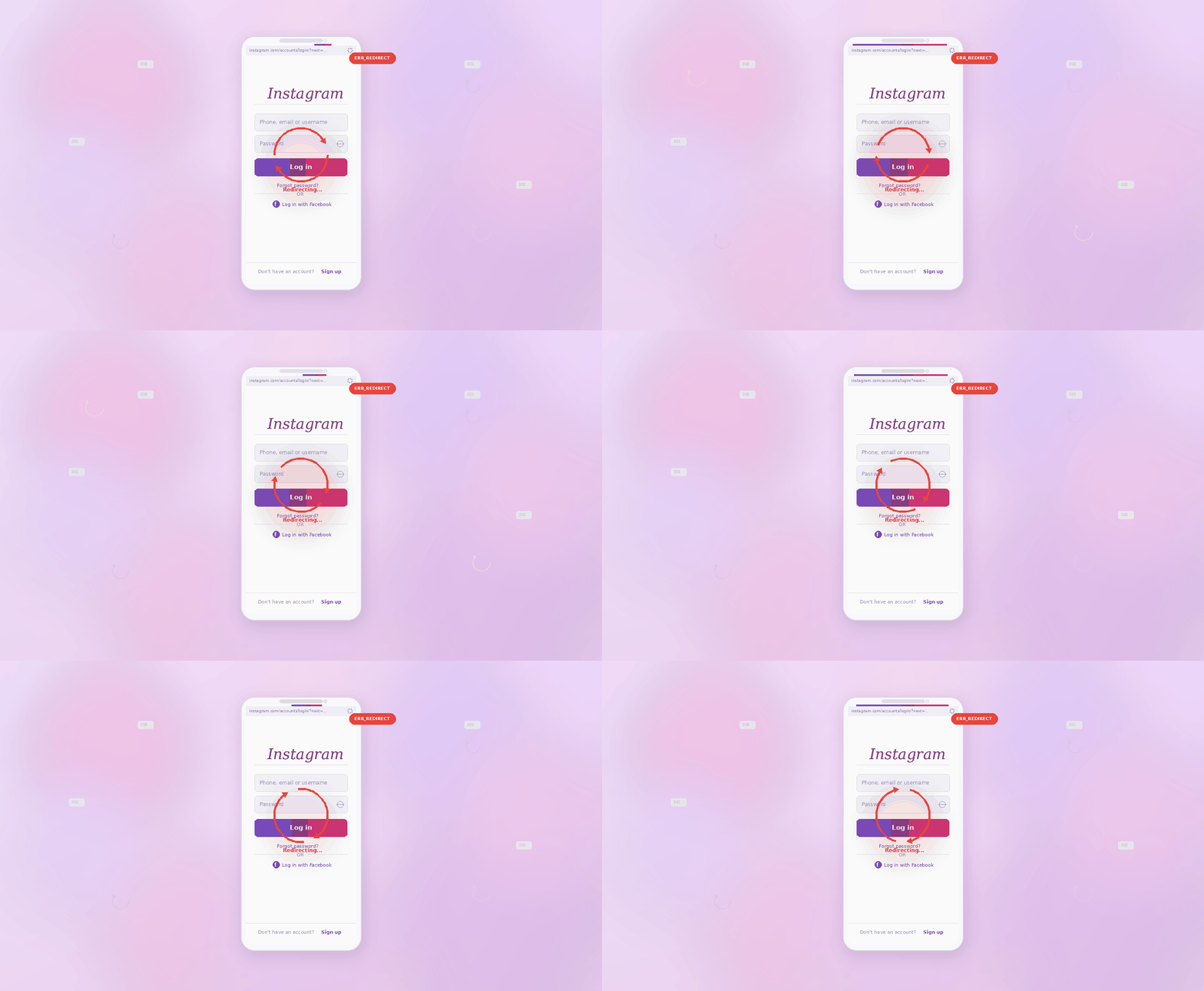
What’s Actually Happening
The Instagram login loop is almost always a cookie or session token problem. When you log in, Instagram’s server issues a session token stored in your browser’s cookies. If that token is malformed, expired, or blocked by a browser extension, Instagram can’t validate your session — so it sends you back to the login page, creating an infinite loop.
This issue spikes after Instagram pushes a backend update or when users are on a VPN that Instagram flags as suspicious.
Fix 1: Delete Instagram Cookies Completely
- In Chrome, press Ctrl + Shift + Delete → select Cookies and other site data.
- Set the time range to All time.
- Click Delete data.
- Navigate back to instagram.com and log in fresh.
Fix 2: Use a Private / Incognito Window
- Press Ctrl + Shift + N (Chrome) or Ctrl + Shift + P (Firefox) to open an incognito window.
- Go to instagram.com and try logging in.
- If this works, a browser extension or cached cookie in your main profile is the cause.
Fix 3: Disable Your VPN
- Turn off any active VPN connection.
- Clear cookies (Fix 1 above), then try logging in again.
- Instagram’s fraud detection sometimes flags IP addresses from common VPN providers, forcing a re-authentication loop.
Fix 4: Check for a Suspended Account
- If you’re looped even after clearing cookies, Instagram may have flagged your account.
- Try logging in on the mobile app — it often shows an explicit message like “Your account has been suspended” that the web loop hides.
- If suspended, use the Get more help option in the app to appeal.
Fix 5: Reset Your Password
- On the login screen, click Forgot password?
- Enter your email or username and follow the reset link.
- A password reset invalidates all existing sessions and forces Instagram to issue a clean new token.
Pro Tip: After you successfully log in, immediately go to Settings → Security → Login Activity and log out of any unrecognized devices. A login loop sometimes signals that someone else tried to access your account, triggering Instagram’s security lockdown.
Related Issues
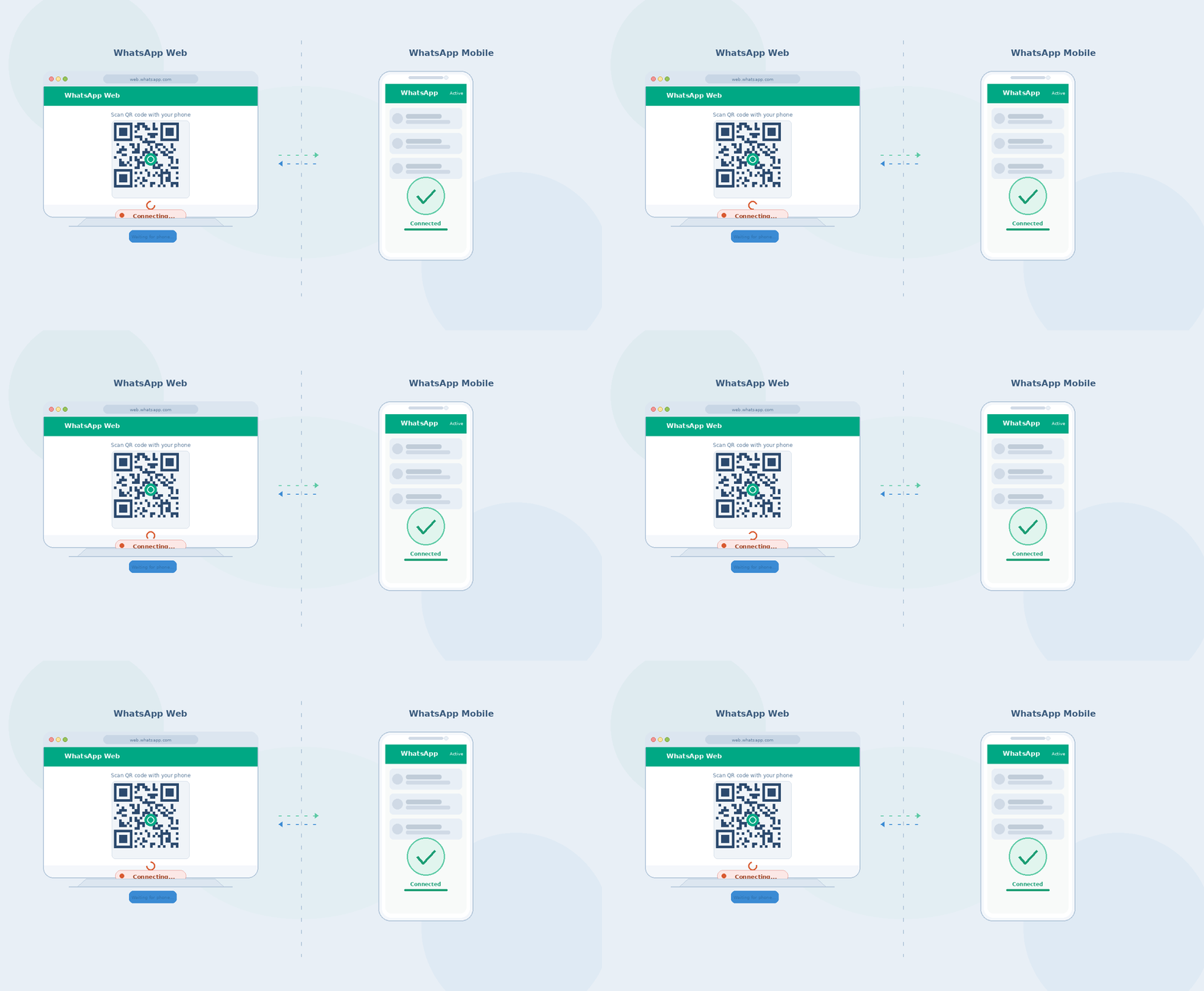
If you’re also having trouble with other social platforms, our guide on WhatsApp Web not connecting covers similar session management fixes. For account recovery issues across platforms, see our Social Media Hub category.












2 comments