Why Is Binance Withdrawal Suspended?
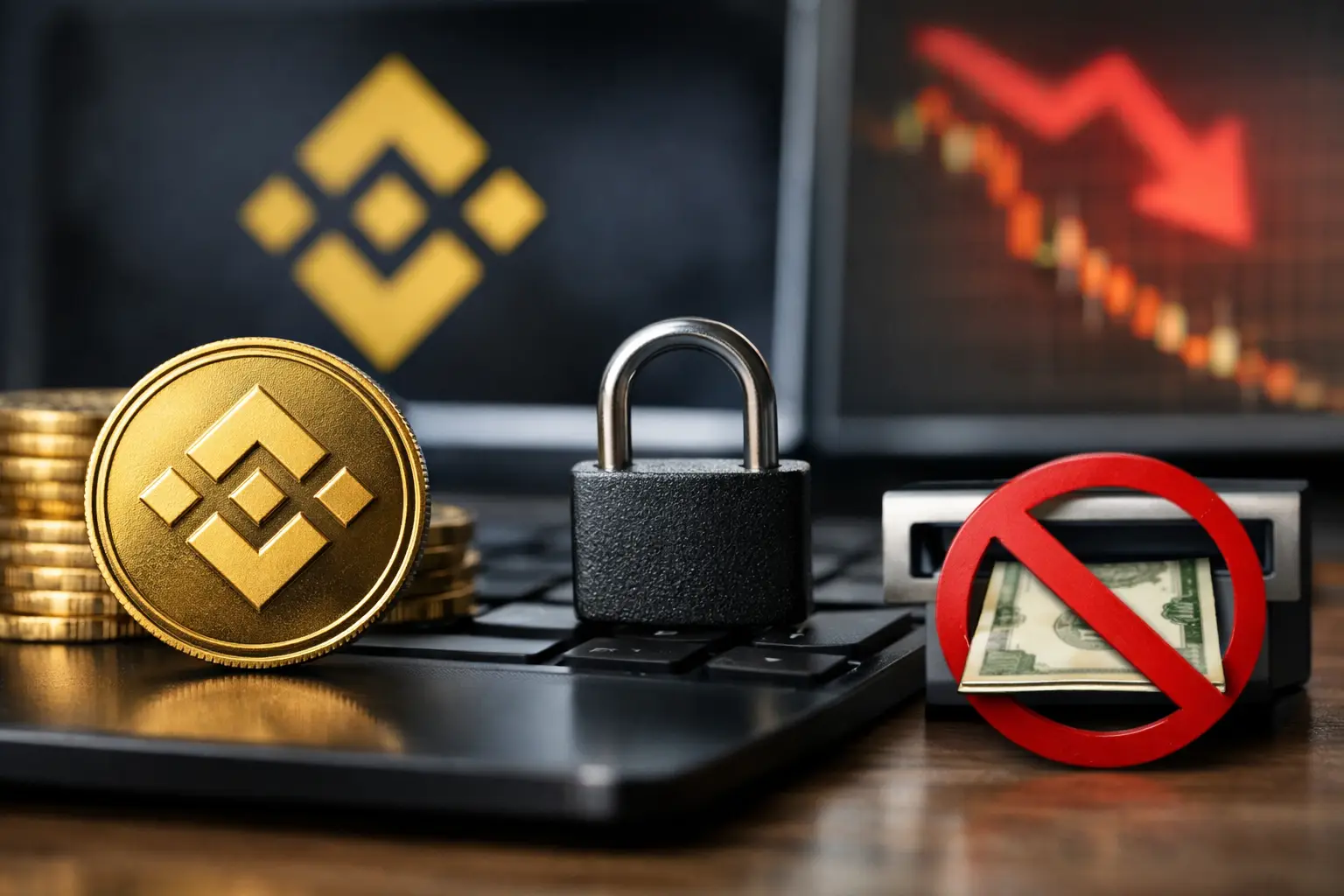
You usually notice it at the worst time: you open Binance, try to move your crypto, and get a message saying withdrawals are suspended. If you’re asking why is Binance withdrawal suspended, the short answer is this – Binance blocks withdrawals when there’s a security check, network issue, account restriction, or temporary platform maintenance.
The good news is that a suspended withdrawal does not always mean your funds are gone or your account is permanently blocked. In many cases, the issue is temporary and fixable. What matters is identifying whether the problem is tied to your account, the specific coin or network, or Binance itself.
Why is Binance withdrawal suspended on your account?
Binance can suspend withdrawals for reasons that range from routine to serious. Some are automated safety measures. Others are triggered by account behavior, compliance checks, or congestion on a blockchain network.
A very common cause is security protection. If you recently changed your password, disabled two-factor authentication, reset your phone, changed your email, or logged in from a new device or location, Binance may temporarily freeze withdrawals. This is meant to stop unauthorized access after account changes.
Verification issues are another major reason. If your identity verification is incomplete, expired, or under review, Binance may limit what you can do with your account. In some cases, deposits and trading still work while withdrawals remain blocked.
There is also the possibility of risk control flags. Binance uses automated systems to detect unusual activity. Large transfers, repeated failed login attempts, suspicious API behavior, or activity that does not match your normal usage pattern can trigger a review. When that happens, withdrawals may be suspended until the system clears the account or support finishes a manual check.
Then there are coin-specific problems. Sometimes Binance is working normally, but a certain token or blockchain is not. Wallet maintenance, smart contract upgrades, heavy congestion, or paused nodes can all stop withdrawals for one asset while others remain available.
The most common reasons Binance suspends withdrawals
If you want the fastest diagnosis, start by narrowing the issue into one of these buckets.
1. Security lock after account changes
This is one of the most frequent causes. Binance may pause withdrawals for 24 to 48 hours, and sometimes longer, after a password reset, 2FA reset, security method update, or suspicious login event. If you recently changed anything tied to account protection, this is the first place to look.
2. Identity verification or compliance review
If your KYC status is pending, rejected, or requires updated documents, withdrawals can be restricted. This also happens if Binance requests additional verification due to regional rules or transaction monitoring.
3. Network or wallet maintenance
A coin can show as unavailable for withdrawal if Binance has suspended that wallet temporarily. This does not always mean the blockchain itself is down. It may just mean Binance is syncing nodes, updating wallets, or handling maintenance for that specific network.
4. Congestion on the selected blockchain
During periods of heavy traffic, some networks become slow or unstable. Binance may suspend withdrawals on that chain to avoid failed transactions. This is especially common when users choose a lower-fee network that is currently overloaded.
5. Risk management flags
If the system sees behavior that looks unusual, withdrawals may be blocked pending review. That can include logging in from multiple IP addresses in a short period, trying to move large amounts right after account changes, or patterns that resemble compromised access.
6. P2P, chargeback, or dispute-related restrictions
If your account is involved in an unresolved P2P order issue, payment dispute, or possible chargeback situation, Binance may limit withdrawals until the case is resolved.
7. Regional or legal restrictions
In some countries or US-related jurisdictions, Binance services are limited by regulation. Depending on your account type and location, certain withdrawal functions may not be available or may require extra verification.
How to tell what is actually causing the suspension
Don’t guess. Binance usually gives at least a partial clue if you check the right area.
Start in your withdrawal screen and look at the exact error text. A message mentioning security risk, account abnormality, or temporary suspension points to account-level controls. A message that says the network is suspended or unavailable usually means the issue is tied to the asset or blockchain, not your identity.
Next, check your account notifications and email inbox. Binance often sends automated alerts after password changes, login events, identity verification problems, or withdrawal restrictions. If the platform asked you to complete verification or confirm a login, that message matters.
Then review your identification status in the account verification section. If documents are pending review or rejected, you may need to finish that before anything else works.
Also check whether the issue affects one coin or all withdrawals. If only one token or one network is blocked, it is probably a wallet or blockchain issue. If every asset is blocked, your account is more likely under a temporary restriction.
How to fix a Binance withdrawal suspension
The right fix depends on the reason. Trying random steps can waste time, so move in order.
Wait out a recent security cooldown
If you changed your password, reset 2FA, updated your email, or removed a security method, Binance may simply be enforcing a cooldown. In that case, the best move is to wait until the restriction expires. Logging in and out repeatedly will not speed it up.
Complete or update identity verification
If Binance is asking for identity documents, proof of address, facial verification, or source-of-funds details, submit exactly what is requested. Make sure your name, birth date, and document photos are clear and consistent. Small mismatches can keep the restriction active.
Try a different supported network
If the coin is available but your selected network is suspended, you may be able to switch to another supported chain. Do this carefully. The receiving wallet must support the exact network you choose. Sending over the wrong chain can cause a permanent loss.
Check if only one asset is affected
If Bitcoin withdrawals are fine but a specific altcoin is suspended, the issue is likely local to that asset. In that case, waiting for wallet maintenance to end may be the only realistic fix.
Review account security
If you suspect suspicious access, change your password, secure your email, re-enable 2FA, remove unknown devices, and check API settings. Sometimes Binance wants confirmation that the account is secure before restoring withdrawals.
Contact Binance support when the restriction looks manual
If the message mentions risk control, account abnormality, or a compliance review with no clear timer, support may be required. Be ready to verify identity and explain recent activity. Keep your request simple and specific. Include the exact error, the coin, the network, and when the issue started.
What not to do while withdrawals are suspended
A few mistakes can make the situation worse.
Do not keep submitting repeated withdrawal requests if the system is already blocking them. That can look like abnormal behavior.
Do not use a VPN to change your apparent location if your account is already restricted. That may trigger additional compliance checks.
Do not send angry or vague support tickets with no screenshots or error details. Clear information gets faster results.
And do not transfer funds internally or convert assets just to “test” the account unless you understand the risk. If the issue is compliance-related, extra movement may create more review triggers.
How long does a Binance withdrawal suspension last?
It depends on the cause. Security cooldowns often last 24 to 48 hours. Wallet maintenance can end within minutes or stretch much longer if the blockchain is unstable. Verification reviews may clear quickly, but manual compliance checks can take several business days.
That range is frustrating, but it helps to separate temporary platform delays from account restrictions. If Binance shows a clear maintenance notice for the network, waiting is usually enough. If your account alone is affected and there is no timer, expect a longer process.
When you should be concerned
A short suspension after a password reset is normal. A long restriction with vague risk language, no estimated end time, and repeated failed appeals is more serious.
You should pay closer attention if withdrawals are disabled across all assets, your identity status suddenly changed, or support requests keep asking for more documentation. That can mean your account is under a deeper review rather than a basic security hold.
If you use Binance regularly, it helps to reduce the chance of future suspensions by keeping identity documents current, maintaining stable login habits, using strong 2FA, and avoiding last-minute security changes before a large transfer.
For most users, the answer to why is Binance withdrawal suspended comes down to one of three things: account security, verification, or network maintenance. Once you know which one you’re dealing with, the next step is usually much clearer – and a lot less stressful.