Binance 2FA Not Working: Restore Access in Minutes
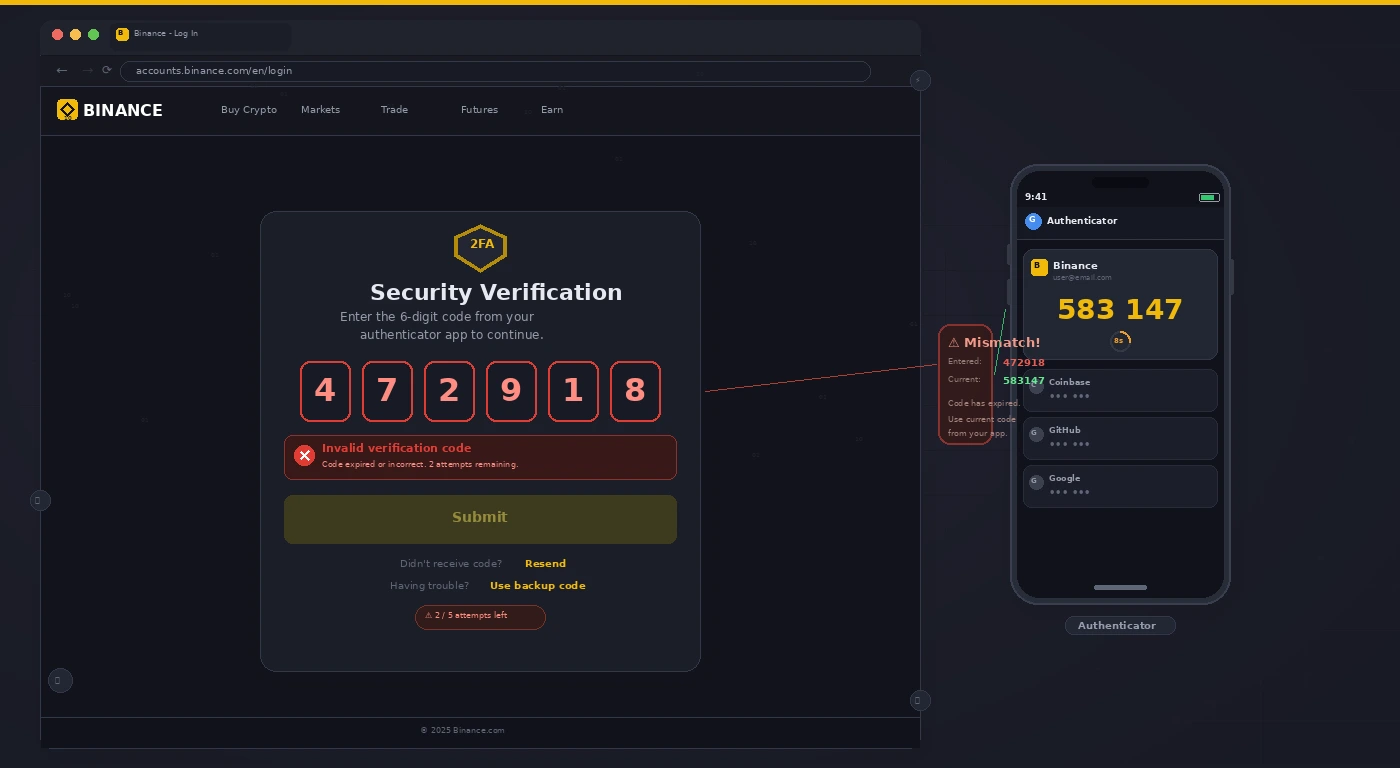
Why 2FA Codes Stop Working
The most common cause of “wrong” 2FA codes is a time sync issue: your phone’s clock is slightly off, making the time-based codes invalid. Before going through account recovery, fix the clock first — it resolves the issue in about 30% of cases.
Fix 1: Sync Your Authenticator App Time
- Google Authenticator: three-dot menu → Time correction for codes → Sync now.
- Authy: Settings → Advanced → Sync.
- Also ensure your phone is set to automatic time zone: Settings → Date & Time → set to automatic.
- Try the 2FA code again immediately after syncing.
Fix 2: Lost Access to Authenticator App
- Go to binance.com → click Log In → enter your email and password → when prompted for 2FA, click Security Verification Unavailable.
- Select Authenticator App unavailable.
- Binance will ask you to verify your identity via a video selfie and government ID.
- After approval (24–48 hours), your old 2FA will be disabled and you can set up a new authenticator.
Fix 3: Use a Backup Code (If You Saved One)
- When you first set up 2FA on Binance, it showed you a set of backup codes.
- On the 2FA screen, look for a “Use backup code” or “Emergency code” option.
- Enter one of your saved backup codes to log in. After logging in, immediately set up 2FA on your new device.
Fix 4: Reset 2FA to a New Device
- If you have your old phone and the authenticator app is still installed, export the Binance entry to your new phone before factory resetting.
- Google Authenticator: uses QR code export. Authy: enables multi-device sync in settings.
- For future-proofing, store your 2FA secret keys (shown as QR code when you first set up 2FA) in a password manager.
Pro Tip: Binance also supports SMS 2FA as a backup method. After restoring access, go to Security → Two-Factor Authentication → enable SMS as a secondary backup (not primary). If you lose your authenticator app again, SMS can serve as recovery without going through the full identity review.
Related Guides
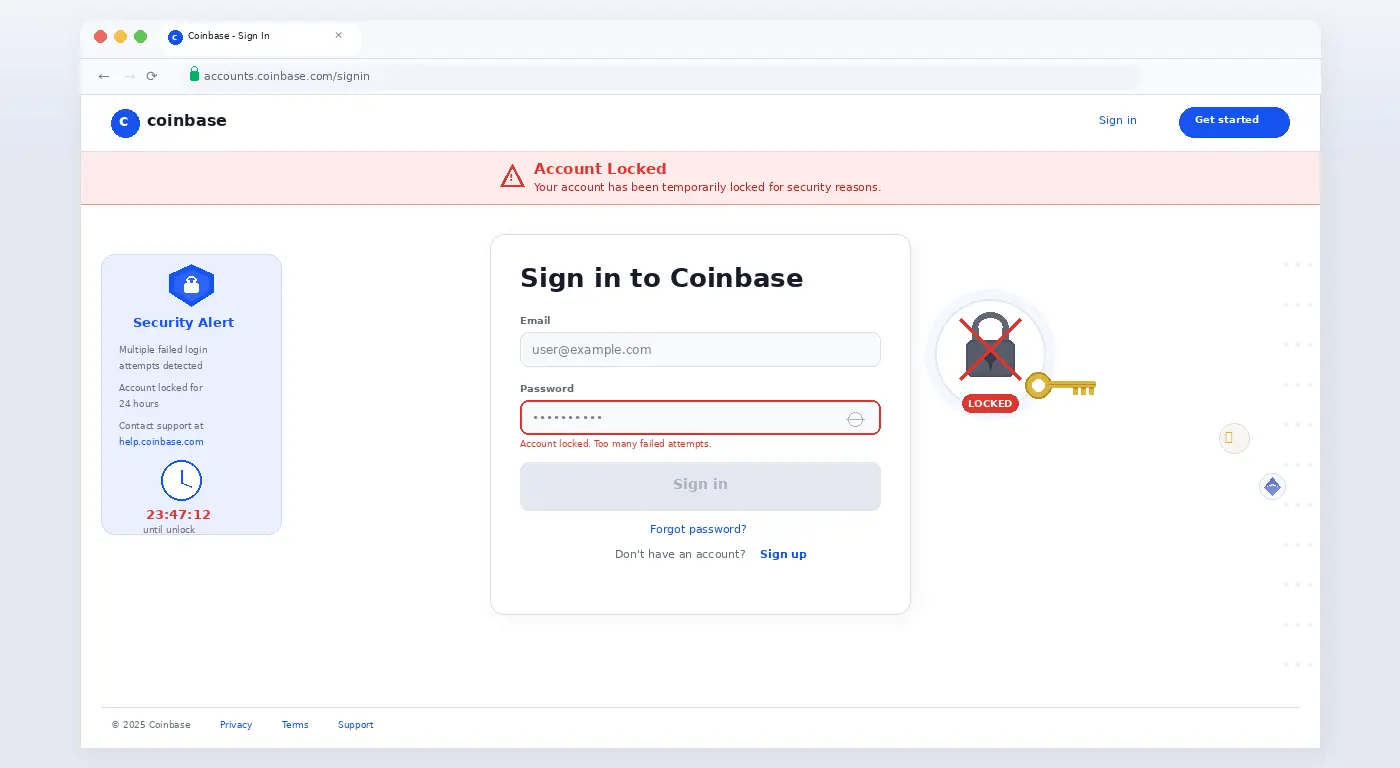
If your Coinbase account is also locked, see our Coinbase account locked recovery guide. For MetaMask transaction issues, see our MetaMask stuck transaction fix.











1 comment