Coinbase Account Locked: Step-by-Step Recovery Guide
Why Coinbase Locks Accounts
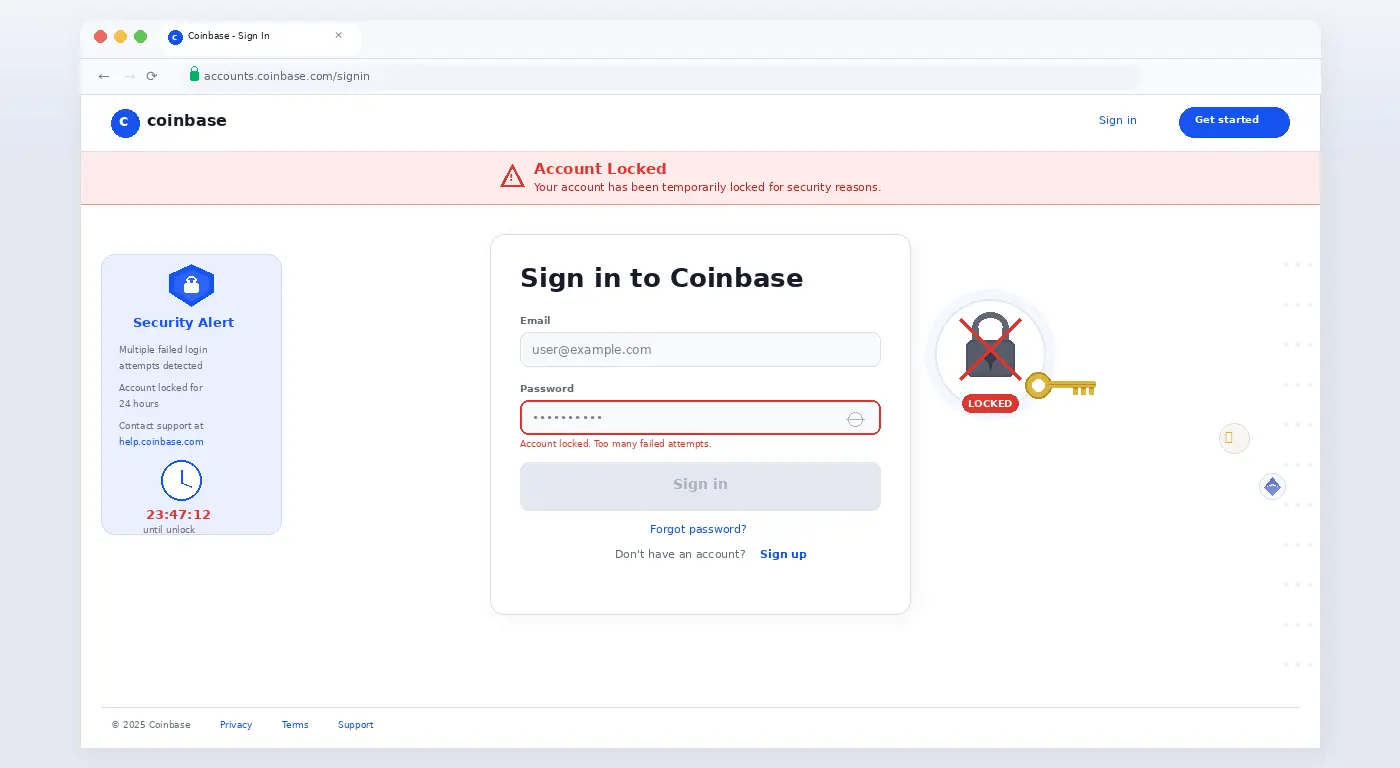
Coinbase locks accounts for a handful of reasons: too many failed login attempts, suspicious activity detection, an expired 2FA device, a compliance review triggered by a large transaction, or a government request. The approach to recovery depends on which scenario applies to you.
Fix 1: Reset Your Password
- Go to coinbase.com → click Sign In → Forgot password?
- Enter your email. Coinbase will send a password reset link.
- Check your spam folder — Coinbase emails frequently land there.
- Use the link within 24 hours. After resetting, attempt to sign in again.
Fix 2: Recover 2FA Access
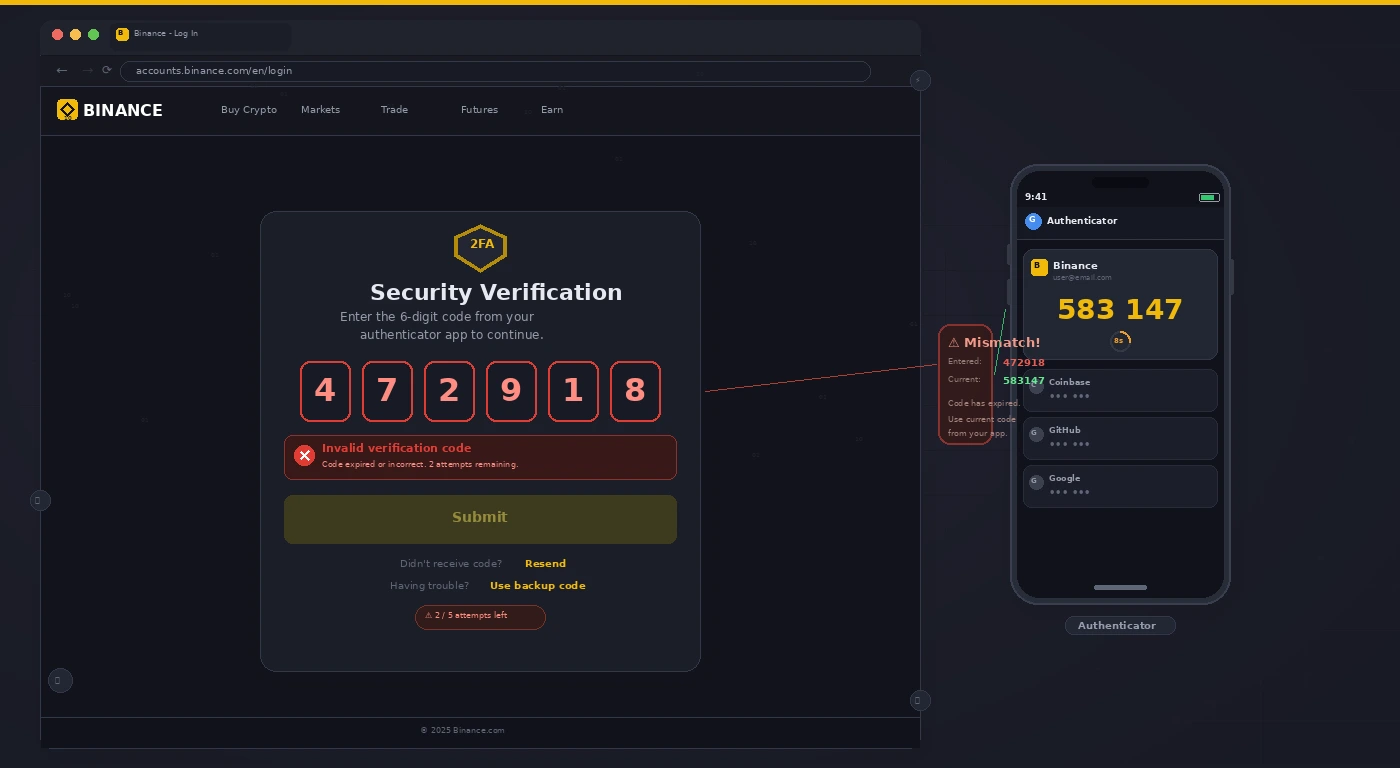
- If you lost your 2FA authenticator app (phone lost or replaced), click I need help on the 2FA screen.
- Select I no longer have access to my authenticator app.
- Coinbase will ask you to verify identity via a government-issued ID and a selfie video.
- After verification (usually 24–48 hours), you can reset 2FA to a new device.
Fix 3: Unlock After Suspicious Activity Detection
- If Coinbase locked the account due to suspicious activity, you’ll receive an email with an “unlock account” link.
- If you did not receive the email, go to help.coinbase.com → Contact Support → Account Access.
- Select “My account is locked” and follow the identity verification flow.
Fix 4: Compliance Review (Restricted Account)
- Some accounts are restricted (not locked) pending identity review after large deposits or suspicious transaction patterns.
- Log in → you’ll see a banner asking for additional verification. Submit the requested documents promptly — delays extend the review period.
- These reviews typically resolve in 1–5 business days.
Fix 5: Contact Coinbase Support Directly
- Go to help.coinbase.com → Contact Us.
- Choose Chat during US business hours for fastest response. Email support takes 2–5 business days.
- Have your full legal name, the email address on the account, and your government ID ready before contacting support.
Pro Tip: Never share your Coinbase password or recovery codes with anyone claiming to be “Coinbase Support” via Twitter, Discord, or Telegram. Coinbase will never ask for these. These are scams — and account recovery from a scam-facilitated compromise is extremely difficult.
Related Guides
If your Binance 2FA is also not working, see our Binance 2FA recovery guide. For MetaMask transaction issues, see our MetaMask stuck transaction fix.