Google Gemini Not Responding: How to Fix It Fast
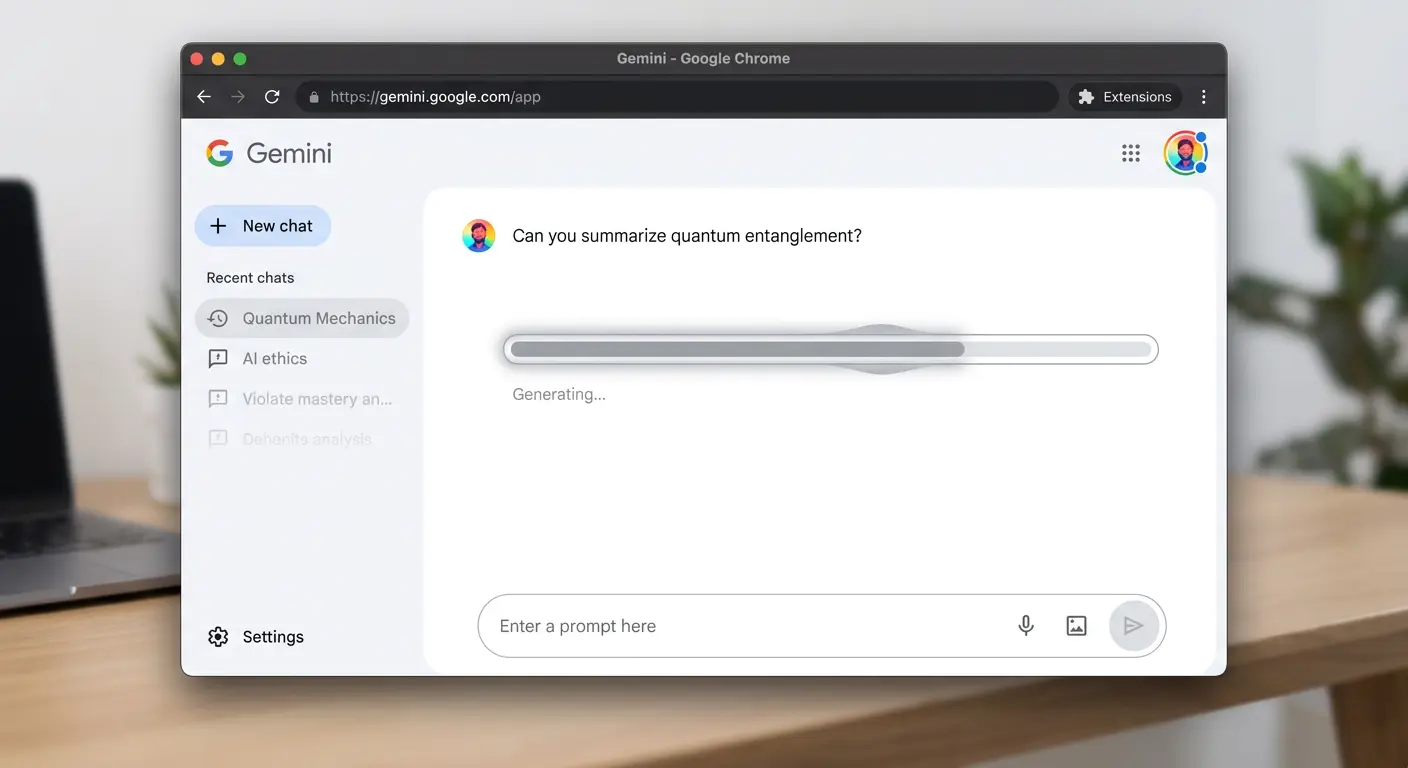
Is It Gemini or Your Browser?
Most Gemini failures trace back to one of three causes: a Google infrastructure hiccup, a browser extension blocking WebSocket traffic, or an account session that has expired. Before clearing anything, do the 60-second diagnosis below.
Step 1: Check Google’s Workspace Status Dashboard
- Go to workspace.google.com/status or search “Google Workspace status.”
- Look for “Gemini” or “Bard” under the listed services.
- A yellow or red indicator means the issue is on Google’s side — nothing to fix locally. Check back in 20–30 minutes.
Step 2: Open an Incognito Window
- Press Ctrl + Shift + N (Chrome) or Ctrl + Shift + P (Firefox).
- Navigate to gemini.google.com and try a prompt.
- If Gemini responds in incognito but not your main window, a browser extension is blocking it. Disable extensions one by one to find the conflict — ad blockers and privacy extensions are common culprits.
Step 3: Clear Gemini Cookies and Site Data
- In Chrome, click the lock icon next to the URL → Cookies → remove all for gemini.google.com and google.com.
- Reload and sign in again.
- This resolves “Gemini keeps asking me to sign in” and perpetual loading spinner issues.
Step 4: Switch Google Accounts
- Some Google Workspace accounts (school or business) have Gemini restricted by the administrator.
- Click your profile icon → Switch account → try your personal Google account.
- If Gemini works on your personal account, your Workspace admin has disabled AI features — contact your IT department.
Step 5: Update Your Browser
- Gemini uses modern web APIs that require an up-to-date browser. Go to chrome://settings/help to check for updates.
- If on Firefox, open Help → About Firefox to trigger an update check.
- Restart the browser after updating.
Pro Tip: Gemini Advanced (paid tier) sometimes stops showing the “Advanced” features after a billing cycle resets. Sign out completely, clear all Google cookies, and sign back in — this forces Gemini to re-check your subscription status.
Still Stuck?
If Gemini is still unresponsive after all of the above, the outage is likely widespread. See our guides on Claude AI errors and ChatGPT being down for temporary alternatives while Gemini recovers.














1 comment