Crypto Wallet Recovery Guide That Works
Losing access to a crypto wallet usually happens at the worst possible time – right before a transfer, after a phone reset, or when an app suddenly logs you out. This crypto wallet recovery guide is built for that exact moment. If you need to restore access fast, the key is figuring out what kind of wallet problem you actually have before you try random fixes that can make things worse.
Start with one question: what exactly did you lose?
Crypto recovery depends on whether you lost the device, the app login, the password, or the recovery phrase. Those are not the same problem, and treating them like they are leads to panic and bad decisions.
If you still have your recovery phrase, usually called a seed phrase, your odds of recovery are very good. If you only forgot an app password but still have the same device and wallet installed, recovery may be simple. If you lost both the device and the seed phrase, the situation is much harder, and in many cases there is no reliable recovery path.
Before doing anything else, stop and confirm these details:
- Is this a self-custody wallet or an exchange account?
- Do you have the 12-word or 24-word recovery phrase?
- Is the wallet app still installed on any device?
- Did you set a password, PIN, or biometric lock?
- Was the wallet connected to cloud backup or device backup?
- Are you sure you are using the correct wallet app?
That last point matters more than people think. Some users try restoring a wallet into the wrong app, then assume the funds are gone because the balance does not appear.
Crypto wallet recovery guide for the most common situations
If you have the recovery phrase
This is the cleanest recovery route. Reinstall the original wallet app, or install it on a new device, then choose the option to restore or import an existing wallet. Enter the recovery phrase exactly as written, in the correct order, with the correct spacing and spelling.
Take your time here. One wrong word can block the restore process. Some apps auto-suggest valid words from the standard seed word list, which helps, but not every wallet uses the same format. If your phrase is accepted and the wallet opens but the balance still looks wrong, the issue may be the network, token visibility, or account path rather than the wallet itself.
After restoring, check whether the wallet needs the correct blockchain network selected. For example, assets on Ethereum, BNB Smart Chain, Solana, or Bitcoin will not all appear in the same way. In some wallets, you also need to manually add a token before it shows up.
If you forgot the wallet password but still have the wallet on your device
In many self-custody wallets, the local password only protects access on that device. It does not replace the recovery phrase. That means if you forgot the password but still have the seed phrase, the fastest fix is often to reset the app and restore the wallet using the phrase.
If you do not want to reset immediately, check whether the wallet offers password recovery through biometrics, a backup file, or an existing logged-in session on another device. Some wallets do. Many do not.
Be careful with repeated password attempts. On some devices or hardware wallets, too many failed tries can trigger a lockout or wipe protection. If you are unsure, pause and check the wallet’s on-screen warnings before continuing.
If you lost or replaced your phone
If the wallet was installed on your old phone and you no longer have it, you usually need the recovery phrase to restore on a new device. Download the official wallet app again, choose import or restore, and enter the phrase.
Do not rely on your Apple or Google phone backup to restore a self-custody wallet unless the wallet specifically supports encrypted backup recovery. Most crypto wallets are intentionally designed so normal cloud backups do not fully restore wallet access. That protects security, but it surprises users during emergencies.
If the old phone still turns on, even briefly, try opening the wallet before wiping or trading it in. That may give you a chance to verify the recovery phrase, move funds, or confirm wallet details.
If your wallet app is broken, crashing, or not syncing
This is a common false alarm. The funds may still be safe on-chain even if the app will not load properly. Start with basic troubleshooting: update the app, restart the device, check your internet connection, and make sure the blockchain network is not having a temporary outage or congestion issue.
If the app still fails, do not uninstall it until you confirm you have the recovery phrase. Uninstalling first is one of the most common mistakes. Once you have confirmed the phrase, reinstall the app or restore the wallet in a compatible wallet that supports the same network and recovery standard.
If you use a hardware wallet
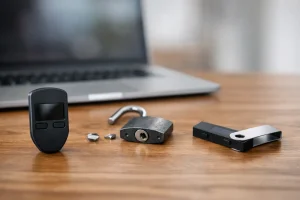
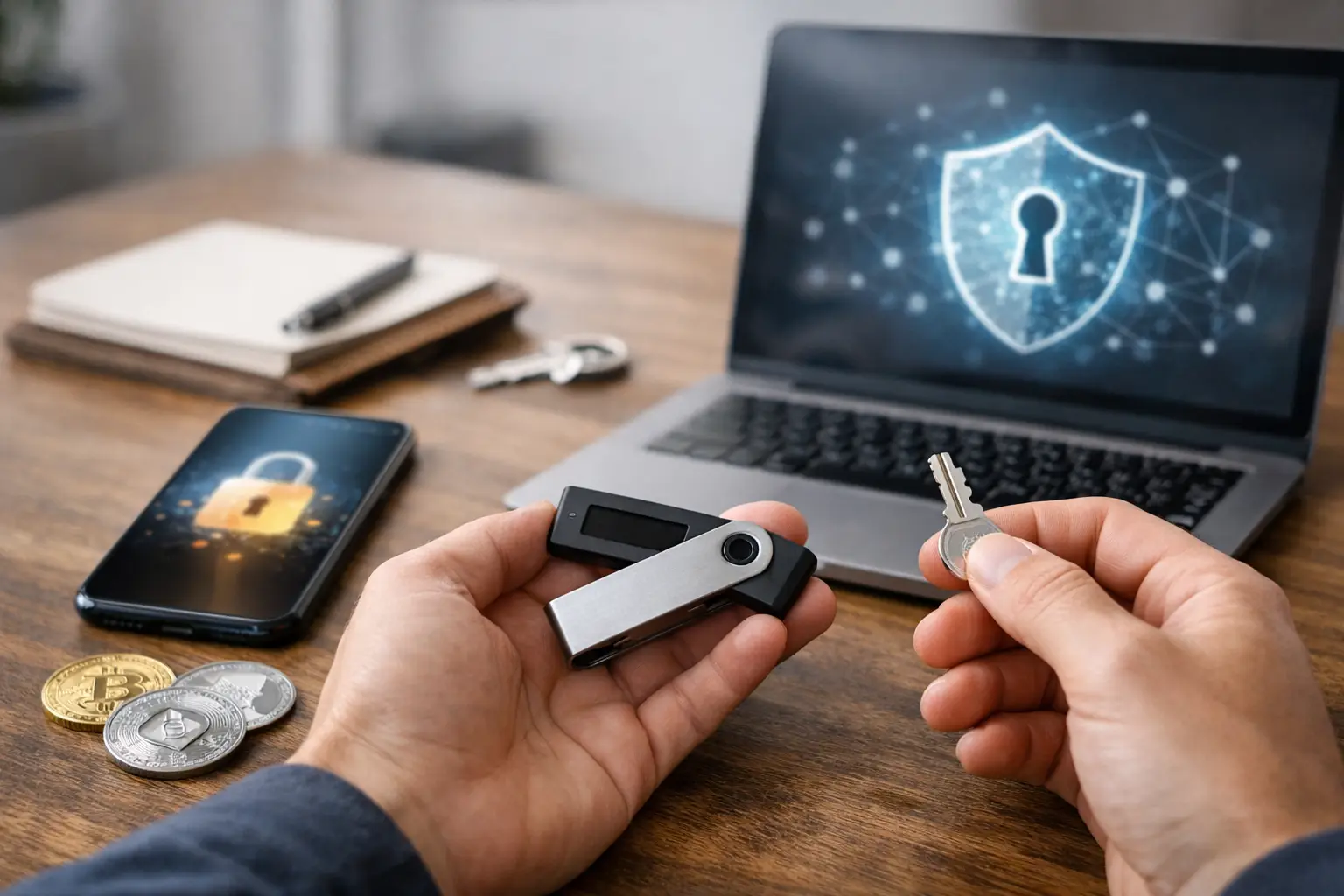
A hardware wallet changes the process slightly. If the device is lost, damaged, or reset, the recovery phrase is still the main recovery tool. You can usually restore the wallet onto a replacement hardware wallet, and in some cases into a software wallet, though that depends on the wallet type and your own security comfort level.
If the hardware wallet PIN is forgotten, the device itself may not be recoverable without a reset. But the crypto can still be recovered with the seed phrase on a new device. If you never wrote down the phrase, recovery may not be possible.
What to do if the balance does not appear after recovery
A successful restore does not always mean an instant visible balance. This is where people often assume the wallet recovery failed when it actually did not.
First, confirm you restored into the correct wallet type. Then verify the correct network is active. After that, check whether the wallet generated the same address you used before. If the address is different, you may have entered the wrong phrase, chosen the wrong derivation path, or restored the wrong account.
Some wallets create multiple accounts from one recovery phrase. Your funds may be in Account 2 or another address group rather than the default first account. In other cases, tokens exist on the wallet address but are hidden until you manually enable them.
If you have an old transaction ID, receiving address, or screenshot, compare it with the restored wallet address. That is one of the quickest ways to tell whether you recovered the correct wallet.
Red flags that can make things worse
When people are locked out of a wallet, urgency makes them easy targets. Never share your recovery phrase with support agents, strangers on social media, Telegram groups, or websites promising wallet repair. No legitimate support team needs your seed phrase to help you recover access.
Also avoid recovery tools you do not understand. If a site asks you to “verify” your wallet by entering the phrase, stop. That is almost certainly a scam. The same goes for fake wallet apps that mimic real brands in app stores.
Another risk is moving too fast and overwriting your only working copy. If one device still has wallet access, do not reset it until you have confirmed the recovery phrase and tested it carefully.
When recovery is unlikely
A practical crypto wallet recovery guide also needs to be honest: sometimes recovery is not possible.
If you use a self-custody wallet and lost both the device access and the recovery phrase, there is usually no backdoor. That is part of the trade-off with crypto custody. You get direct control, but you also carry the responsibility for recovery.
The situation is different for exchange accounts. If your funds were on a centralized exchange rather than a wallet you control directly, you may still recover access through account recovery, identity verification, two-factor authentication reset, or support review. That is not true wallet recovery in the self-custody sense, but it can still restore access to your funds.
How to protect yourself after you get back in
Once access is restored, do not just close the app and move on. Fix the root issue while you still have access. Write down the recovery phrase clearly and store it offline in a secure place. If you already had it written down, verify that every word is correct and in order.
Review your wallet security settings too. Set a strong password or PIN, enable biometrics if available, and consider moving large balances to a hardware wallet if you are currently using only a phone app. If your old phone was lost or stolen, transfer funds to a fresh wallet after recovery if you think the original device may still be compromised.
This is also a good time to test your backup process. Many users think they saved the seed phrase correctly but never confirm it until there is a problem. A careful check now can prevent a much bigger problem later.
If you are stuck, the fastest path is usually the simplest one: identify whether you still have the recovery phrase, avoid uninstalling anything until you confirm it, and work methodically instead of guessing. That approach fixes more wallet problems than any shortcut ever will.