Trezor vs Ledger Recovery Process
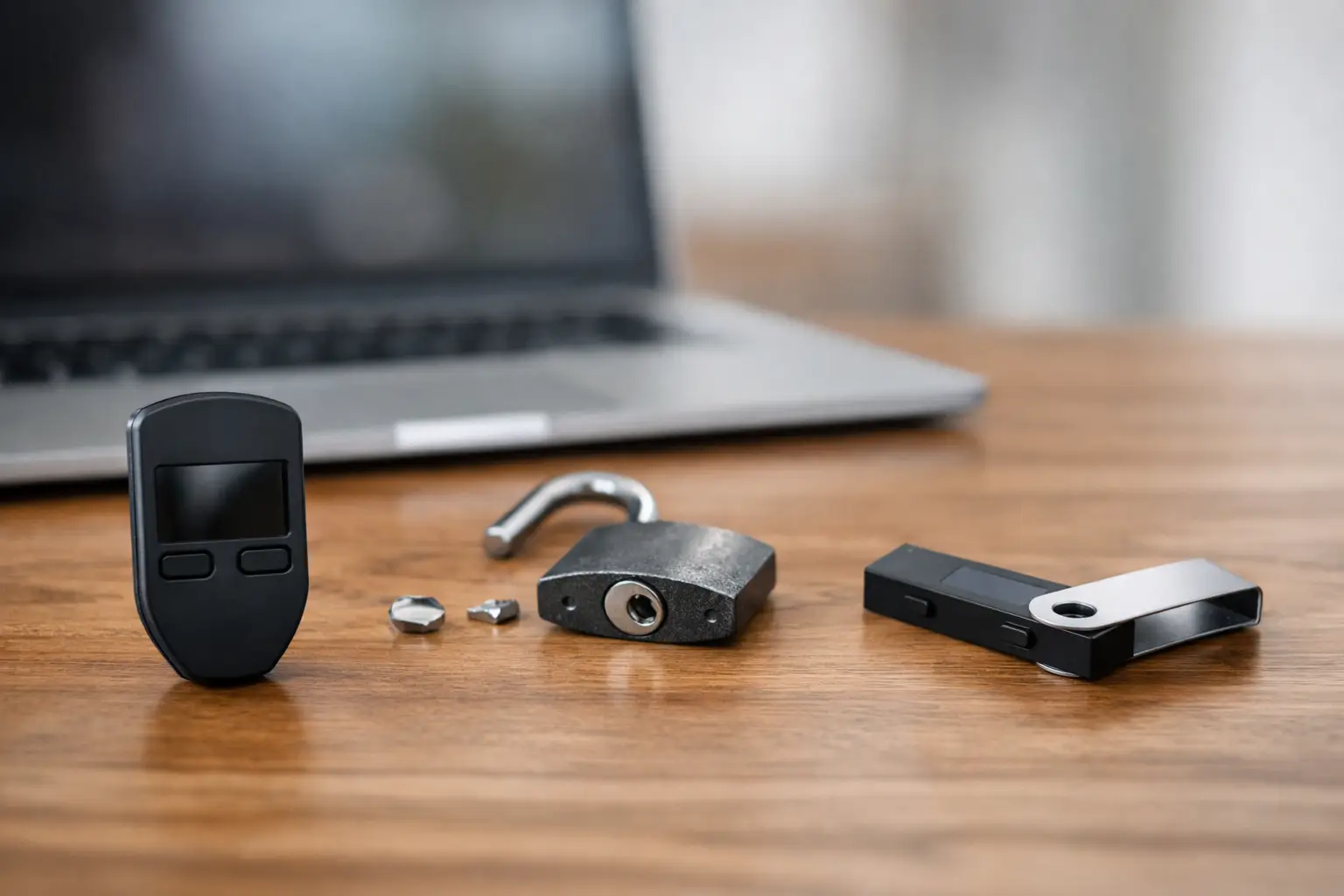
If you lose access to your crypto wallet, the real test is not the screen, the app, or the packaging. It is the recovery process. That is why the trezor vs ledger recovery process matters more than most feature comparisons. When something goes wrong, you need to know how each wallet gets you back in control, what can block recovery, and where users make expensive mistakes.
This comparison focuses on one question: which wallet is easier and safer to recover when you actually need it? For most users, both Trezor and Ledger can restore funds successfully if the recovery phrase is correct. The difference is how they handle the restore flow, passphrases, device trust, and user error.
Trezor vs Ledger recovery process at a glance
At the core, both wallets use the same basic idea. During setup, you receive a recovery phrase, often called a seed phrase. If the device is lost, broken, reset, or replaced, that phrase can restore access to your wallet.
The simple version is this: Trezor recovery is usually more transparent and easier to understand on first use, while Ledger recovery often feels more locked down and device-centered. That does not automatically make one better. It depends on whether you value simplicity or tighter hardware-side controls.
Trezor usually makes the restore experience feel more direct. Its interface is straightforward, and many users find the process less intimidating. Ledger, on the other hand, tends to keep more of the sensitive flow on the hardware wallet itself, which some users prefer from a security perspective.
How Trezor recovery works
With Trezor, recovery typically starts by setting up a new or reset device and choosing the option to recover an existing wallet. You then enter your recovery phrase according to the prompts. Depending on the model and setup method, some or all of the recovery input happens through the device workflow and companion interface.
The key point is that Trezor is built around the recovery phrase as the main path back in. If your phrase is accurate and in the correct order, recovery is usually straightforward. After that, if you used a passphrase, you must enter the exact same passphrase to access the same wallet balances.
That last part causes a lot of confusion. The recovery phrase restores the base wallet, but a passphrase creates a separate hidden wallet layer. If you forget the passphrase, your seed phrase alone will not bring back those funds. The wallet may restore successfully, but it can still look empty.
For users who want a cleaner recovery path, Trezor is often easier to follow because the process is less cluttered by account management layers. You are mainly focused on the phrase, the optional passphrase, and the correct wallet interface.
How Ledger recovery works
Ledger recovery starts from the device itself. On a new or reset Ledger device, you choose the restore option and enter the recovery phrase directly using the wallet’s buttons and screen. This can feel slow, especially for a 24-word phrase, but it also means sensitive recovery input stays on the hardware wallet.
Once the phrase is accepted, you reconnect the device to Ledger Live and allow the app to detect or re-add your accounts. This is where some users get tripped up. Restoring the wallet and displaying the accounts are related, but not identical. You may have restored access correctly, yet still need to manually add the relevant crypto accounts back into Ledger Live before balances appear.
Ledger also supports passphrase-based wallets, and the same rule applies here as with Trezor. If you used an additional passphrase before, you need that exact passphrase again. A wrong passphrase does not trigger an error that says you are close. It simply generates a different wallet.
This is one reason users sometimes believe recovery failed when it did not. The wallet is working. It is just not opening the same address set they used before.
Which recovery process is easier?
If your goal is ease of use under stress, Trezor usually has the edge. The recovery logic is easier for non-technical users to understand, and the setup feels less fragmented. You restore the wallet, connect it, and continue.
Ledger can feel more procedural. You restore the phrase on the device, reconnect through Ledger Live, reinstall apps if needed, and add the accounts again. None of that is especially hard, but it adds friction when you are already trying to recover from a lost or damaged wallet.
That said, ease is not everything. Some users like Ledger’s approach because it keeps more of the sensitive action on the physical device. If your priority is minimizing exposure during recovery, that extra rigidity may feel worth it.
So the answer is not absolute. Trezor is often easier to recover with. Ledger can feel stricter and slower, but some users see that as a security benefit rather than a drawback.
The biggest recovery risks on both wallets
The largest risk is not the device brand. It is user error.
If you wrote the recovery phrase down incorrectly, skipped a word, changed the order, or mixed up similar-looking words, neither wallet can save you. Recovery depends entirely on the phrase being exact.
The second major risk is forgetting the passphrase. This is especially common with users who set one up for extra protection, then do not test it afterward. A passphrase is not a backup hint or optional label. It is part of the wallet access path. Lose it, and that hidden wallet is effectively gone.
The third issue is restoring the wrong wallet standard or expecting old balances to appear instantly. With Ledger in particular, users often restore successfully but forget to re-add accounts in Ledger Live. With Trezor, users may restore the seed phrase but fail to enter the hidden wallet passphrase they used before.
There is also the problem of panic recovery. When users are stressed, they rush. They type too fast, grab an old seed phrase by mistake, or assume a blank balance means permanent loss. In practice, many recovery problems are caused by one missed detail, not a broken wallet.
Trezor vs Ledger recovery process for beginners
For beginners, Trezor is usually easier to trust because the experience is simpler to follow. There is less chance of confusing wallet restore with account rediscovery. If someone is new to hardware wallets and wants the least complicated restore flow, Trezor is often the safer pick.
Ledger is still beginner-usable, but it asks for a little more patience. The physical word entry process can feel tedious, and the extra app steps after recovery are not always obvious to first-time users. If someone expects instant balance recovery the moment the phrase is accepted, Ledger may feel more confusing.
That does not mean beginners should avoid Ledger. It means they should understand the workflow before an emergency happens. A quick test restore plan, done safely and carefully, can remove most of that confusion.
What to do before you ever need recovery
The best recovery process is the one you never have to figure out under pressure. Write the recovery phrase clearly, store it offline, and verify every word. If you use a passphrase, store instructions for yourself in a way that is secure but still recoverable by you.
You should also know whether your wallet uses 12, 18, or 24 words, and whether your current balances are tied to a hidden passphrase wallet. Many problems start because users cannot remember what setup they originally chose.
It also helps to understand that your crypto is not sitting inside the device. The hardware wallet protects your keys. Recovery is about rebuilding access to those keys from the seed phrase. Once that clicks, the restore process makes more sense.
For readers who want the shortest answer, here it is. In the trezor vs ledger recovery process, Trezor is generally easier for fast, low-stress recovery, while Ledger gives you a more device-centered process that may feel safer but less intuitive. Neither one can protect you from a bad backup or a forgotten passphrase.
When choosing between them, do not focus only on features you may never use. Focus on what happens on your worst day – broken device, missing access, and real money on the line. The wallet you can recover confidently is often the better wallet for you.