Guide to Account Recovery After SIM Swap
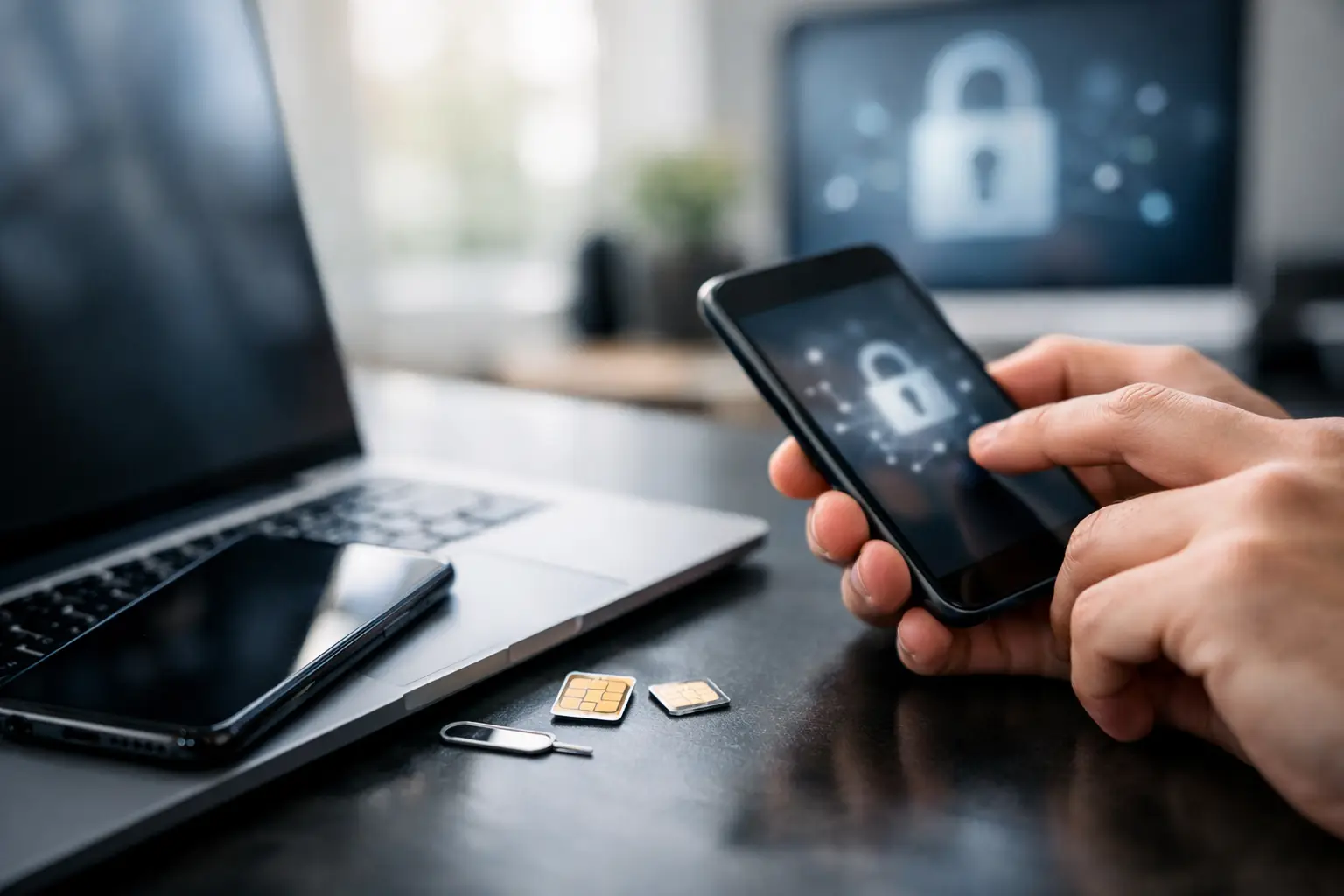
The moment your phone loses service for no clear reason, treat it like an account takeover until proven otherwise. This guide to account recovery after SIM swap is built for that exact situation – when texts stop coming in, two-factor codes fail, and you need to secure email, banking, crypto, and social accounts fast.
A SIM swap happens when someone convinces your mobile carrier to move your number to a SIM card they control. Once that happens, they can intercept calls and text-based verification codes. That single change can snowball into locked email accounts, drained wallets, password resets you did not request, and support tickets across half your digital life.
First steps in this guide to account recovery after SIM swap
Start with your carrier, not your email inbox. If your number has been hijacked, every minute matters because the attacker may still be receiving your calls and texts.
Call your mobile carrier from another phone or use its official app or website if you can still access it safely. Ask for the fraud or account security team and tell them you suspect a SIM swap. Request that they freeze changes, reverse the SIM transfer, and add extra verification to your account. Ask them to place a port freeze or number lock on the line if available.
During that same call, ask what account changes were made, when they happened, and whether your PIN, billing address, email, or authorized users were changed. Write everything down. Those details help when you contact banks, exchanges, and platform support.
If the carrier restores your number, do not assume the problem is over. A successful SIM swap often means the attacker already tried to reset passwords elsewhere.
Secure your email before anything else
Email is usually the real target. Once someone controls your inbox, they can reset passwords across banking apps, social platforms, cloud storage, and work tools.
From a trusted device, sign in to your primary email account and change the password immediately. Use a new password you have never used before. Then review recent login activity, connected devices, recovery email addresses, recovery phone numbers, forwarding rules, and inbox filters. Attackers sometimes create hidden forwarding rules so they can keep receiving sensitive messages even after you change your password.
If you cannot access your email, start account recovery right away through the provider’s official recovery process. Be ready to prove ownership with older passwords, recovery codes, trusted devices, or previous billing details if the service uses subscriptions.
Once back in, replace SMS-based verification with an authenticator app or hardware security key where possible. Text-message two-factor authentication is better than nothing, but after a SIM swap it should no longer be your default.
Check your financial and payment accounts next
After email, move to any service tied to money. That includes banks, credit cards, payment apps, brokerage apps, crypto exchanges, and digital wallets.
Log in from a known device and review recent transactions, password reset emails, withdrawal addresses, and linked bank accounts. If you see anything suspicious, contact the fraud team immediately and ask them to lock transfers or withdrawals. Some platforms can place temporary holds while they investigate.
For banking apps, ask whether new payees were added, debit cards were reissued, or contact details changed. For payment apps, check whether the attacker linked a new card or bank. For crypto services, review withdrawal history and API key activity if the platform supports it.
If funds are missing, document the exact time, amount, and destination. Screenshot account activity while it is still visible. Support teams move faster when you provide a clear timeline instead of a general report.
Recover social, messaging, and work accounts
Social platforms and chat apps matter more than most people think. They can be used to scam your contacts, impersonate you, or approve sign-ins elsewhere.
Prioritize accounts tied to your identity and network: Apple ID or Google account, WhatsApp, Facebook, Instagram, X, TikTok, Discord, Slack, Microsoft, and any workplace SSO account. Change passwords, revoke unknown sessions, and remove any phone number you do not trust as a recovery method until your carrier issue is fully resolved.
Watch for signs that the attacker changed recovery settings instead of the password. If you still have access, review backup codes, trusted devices, app passwords, third-party connected apps, and notification settings. If you lost access, use each platform’s hacked-account recovery flow rather than the basic password reset option. That usually gets you to the right support path faster.
If you are locked out, prove ownership efficiently
Account recovery gets messy when several services are compromised at once. The fastest approach is to work in dependency order.
Recover your main email first, then your phone number, then your financial accounts, then everything else. If a service offers multiple recovery methods, choose the one least dependent on SMS. Trusted devices, backup codes, recovery keys, identity checks, and prior billing records are often more reliable after a SIM swap.
Keep a running note with the following: when you lost service, when you contacted the carrier, which accounts showed suspicious activity, and what settings were changed. You do not need a perfect incident report, but you do need one consistent timeline. That helps when support asks for context across multiple tickets.
What to do if the attacker changed too much
Sometimes the attacker updates passwords, recovery email addresses, and two-factor settings before you can respond. In that case, your goal shifts from quick reset to ownership verification.
Use official account recovery forms only. Avoid random support numbers found in search results or social replies offering help. For higher-risk accounts such as banking or exchanges, request a temporary freeze first and recovery second. Stopping more damage matters more than restoring convenience in the first hour.
If a platform asks for ID, make sure you are using its real support channel and follow the upload instructions carefully. Blurry photos, cropped documents, or mismatched names slow everything down. If your legal name differs from your display name, mention that clearly in the first message.
How to harden accounts after recovery
A guide to account recovery after SIM swap is not complete without cleanup. If you only reset passwords and move on, the same weak point can get used again.
Start by changing your carrier account PIN and password. Ask whether your carrier can add a verbal passcode, in-store ID requirement, or SIM change lock. Available protections vary by provider, so ask directly instead of assuming they are on by default.
Then update your most important accounts to use an authenticator app or security key instead of SMS codes. Store backup codes offline in a place you can actually find later. Review saved devices and active sessions everywhere important. If an account supports login alerts, turn them on.
It is also smart to separate recovery methods. If your main email, backup email, and phone number all point to each other, one compromise can spread quickly. A secondary email used only for recovery can reduce that risk.
Common mistakes that slow recovery
The biggest mistake is trying to fix everything at once without securing the carrier and email first. That usually leads to repeated lockouts because the attacker still controls the reset path.
Another common issue is continuing to use SMS verification after the incident because it feels familiar. Convenience is the trade-off here. Authenticator apps take a few extra minutes to set up, but they remove the exact weakness that made the SIM swap dangerous.
People also forget to check inbox forwarding rules, cloud storage sign-ins, and app-specific passwords. Those less obvious settings can keep an attacker connected even after a password reset.
Signs your recovery is actually complete
You want more than restored logins. You want confidence that the attacker no longer has a path back in.
A clean recovery usually means your phone number is back under your control, your carrier added fraud protections, your primary email has a new password and no suspicious forwarding rules, and your key accounts no longer rely on SMS for verification. It also means you reviewed recent sessions, removed unknown devices, and checked for unauthorized financial activity.
If you still see password reset emails you did not request, device alerts from unfamiliar locations, or support notices about contact detail changes, keep digging. One missed account can reopen the problem.
SIM swaps feel chaotic because they hit your phone, identity, and account access at the same time. But the fix is manageable when you work in order: carrier, email, money, then everything else. Move fast, document what changed, and lock down recovery methods so the next attacker has nowhere easy to start.