PayPal Payment Declined Fix That Works
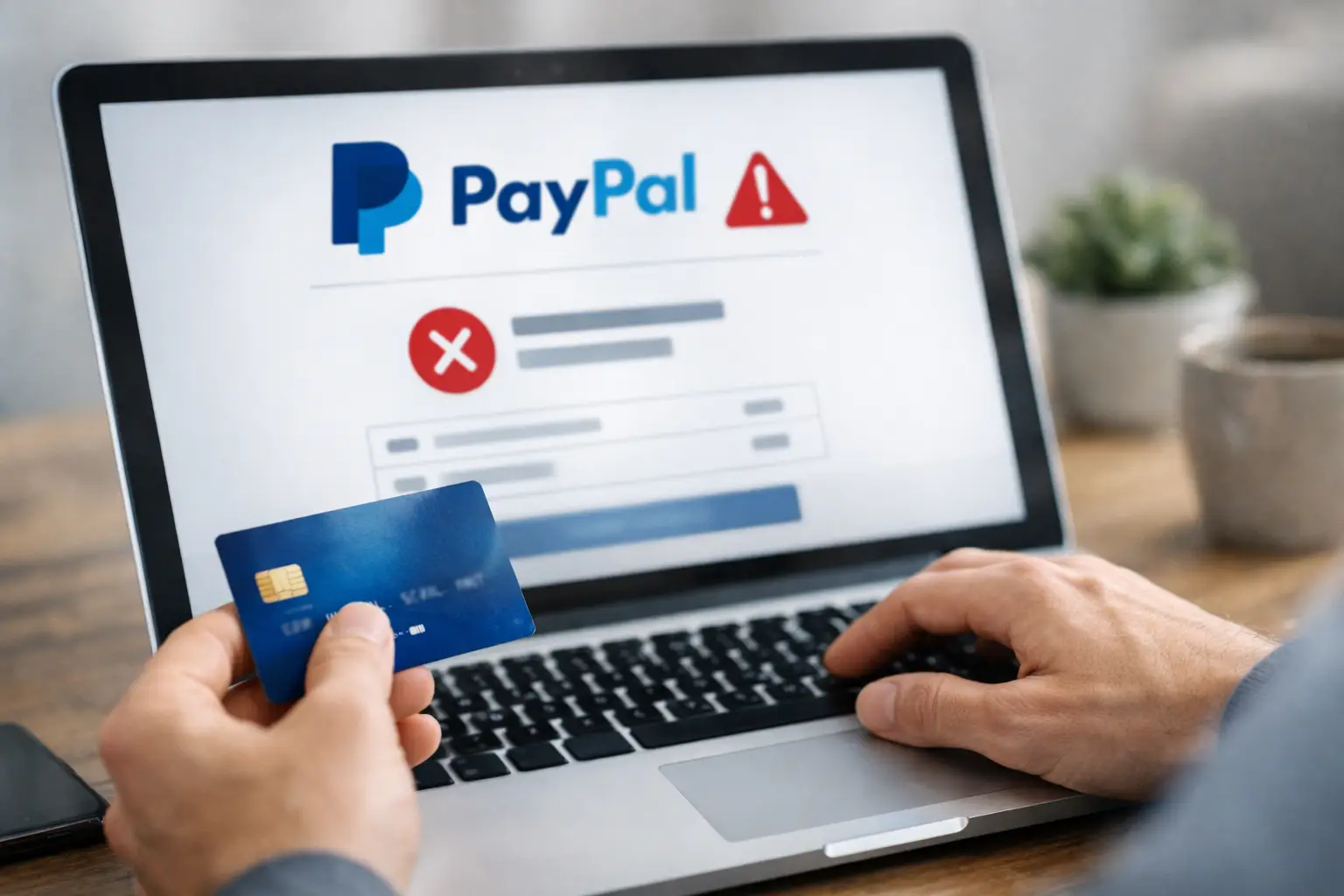
A PayPal payment declined fix usually comes down to one of three things – your funding source, your account status, or PayPal’s risk checks. If a payment failed right when you needed it most, don’t keep retrying blindly. That can make the issue worse or trigger more security flags.
The faster approach is to identify where the decline is happening. Sometimes PayPal blocks the transaction before it reaches your bank. Other times your bank or card issuer rejects it, even if your PayPal account looks fine. The good news is that most declined payments can be fixed in a few minutes.
Start with the fastest PayPal payment declined fix checks
Before changing settings or contacting support, check the basics first. A lot of payment failures happen because the selected card is expired, the billing address no longer matches, or the bank account linked to PayPal lost verification.
Open your PayPal wallet and review the payment method you tried to use. Make sure the card number, expiration date, CVV, billing ZIP code, and cardholder name are all current. If you recently moved or got a replacement card, even one outdated field can cause a decline.
Next, check your available balance. If you are paying with a bank account through PayPal, your bank may show money available while still placing some funds on hold. That gap can cause a failed transfer. If you are using a debit or credit card, confirm there is enough available credit and that the card is active for online purchases.
If the payment method looks correct, remove it and add it again. This is especially useful if the card was updated by the bank, or if PayPal has an old token stored for that funding source.
Check whether PayPal limited your account
A hidden account limitation is one of the most common reasons payments stop working without a clear explanation. PayPal may restrict sending money if it needs identity verification, tax details, address confirmation, or more information about recent activity.
Go to your account notifications, resolution center, and profile details. If PayPal is asking for documents, complete that request before trying another payment. Even a small limitation can block checkout, subscriptions, or peer-to-peer transfers.
This matters more if you recently changed devices, logged in from a new location, received unusual payments, or sent several transactions in a short period. Those patterns can trigger automated reviews. It does not always mean anything is wrong with your account, but it does mean PayPal may pause activity until you verify ownership.
If your account is fully verified and there are no alerts, move on to the funding source itself.
Your bank or card issuer may be the real problem
Many users assume PayPal caused the decline, but the rejection often comes from the bank behind the transaction. Banks block payments for reasons that do not always appear inside PayPal, including suspected fraud, cross-border restrictions, recurring billing blocks, or merchant category limits.
If your card works elsewhere but fails through PayPal, call the number on the back of the card and ask whether they declined a PayPal authorization. Ask specifically if online wallet transactions, international transactions, or merchant-linked payments are blocked.
This is common with prepaid cards, virtual cards, some business debit cards, and cards with strict fraud filters. Some banks also block repeated attempts if the first payment looked suspicious. In that case, waiting a few hours and trying again once the bank clears the block is better than submitting the payment over and over.
If you have another card or bank account available, test it in PayPal. That is one of the fastest ways to confirm whether the issue is tied to one payment method or the whole account.
Fix billing address and identity mismatches
A mismatch between your PayPal account and your card details can trigger a decline even when everything else looks normal. PayPal and card issuers often compare your billing name, address, ZIP code, and country during authorization.
Review your PayPal profile and the billing details attached to your card. If you recently changed your legal name, moved, or updated your mailing address with your bank but not PayPal, sync those details now.
The same goes for country settings. If your PayPal account is registered in one country and you are trying to use a card issued in another, some transactions may fail automatically. This gets more likely with international merchants, currency conversion, and digital services that apply extra fraud screening.
Security systems can block legit payments
PayPal’s security model is aggressive by design. A normal payment can be declined if it looks unusual compared with your typical account behavior. Examples include sending a larger amount than usual, paying from a new device, using a VPN, changing your IP location, or trying to make several failed payments in a row.
If any of that applies, stop and stabilize the account first. Log out, turn off your VPN if you use one, switch back to a trusted network, and log in from your usual device. Then check if PayPal wants a one-time passcode or identity confirmation.
It can also help to clear your browser cache or try the payment in the official PayPal app. Sometimes stored cookies, browser extensions, or autofill data interfere with checkout. If the payment works in another browser or on mobile, the issue may be local rather than account-wide.
How to fix recurring and automatic payment declines
If one-time payments work but a subscription or automatic payment fails, focus on the billing agreement rather than the general wallet setup. Recurring payments can break when the original card expires, the merchant agreement becomes invalid, or the bank blocks repeated authorizations.
In PayPal, review your automatic payments and find the affected merchant. Confirm the preferred payment method is still valid. If it points to an old card or bank account, update it.
Sometimes the cleanest fix is to cancel the automatic payment agreement and set it up again with the current funding source. This is especially useful after replacing a card, changing banks, or dealing with a chargeback or failed billing cycle.
There is a trade-off here. Reauthorizing may solve the issue immediately, but with some services it can reset billing dates or require you to sign in to the merchant account again. If timing matters, check the merchant side before canceling the PayPal agreement.
Merchant-side problems can also cause the decline
Not every failed transaction is your fault. The seller may have a checkout issue, an unsupported currency setup, expired API credentials, or restrictions on certain payment types.
If PayPal declines only with one specific merchant, test another purchase or send a small payment elsewhere. If those work, your account is probably fine. The problem is likely on the merchant’s side.
This happens a lot with smaller online stores, digital subscription tools, and marketplaces running outdated payment integrations. If possible, ask the merchant whether they are seeing authorization failures or incomplete PayPal checkouts on their end.
What to do if PayPal says to try again later
When PayPal gives a vague error and tells you to try again later, that usually means the system needs time to clear a temporary security hold or repeated authorization failures. This is one of the few cases where patience actually helps.
Wait at least a few hours before retrying, and do not keep switching payment methods too fast. Multiple rapid attempts can look riskier, not safer. When you retry, use the same device and network you normally use, with one confirmed payment method that you know is active.
If the decline continues after 24 hours, contact PayPal support and ask whether your account has an internal send limitation or risk block that is not visible in the dashboard. Be specific. Tell them whether the decline affects all payments or just one merchant, and mention the funding source you tried.
Best order to troubleshoot a declined PayPal payment
If you want the shortest path to a fix, use this order. First, confirm your card or bank details are correct. Second, check PayPal for limitations or verification requests. Third, contact your bank to confirm they are not blocking the authorization. Fourth, try another browser, device, or payment method. Fifth, test whether the issue only happens with one merchant.
That order saves time because it rules out the most common failures first. Owkid covers a lot of payment and account issues, and this pattern shows up over and over – the problem is usually not random, just hidden behind a vague decline message.
When you should stop troubleshooting and replace the payment method
Sometimes the smartest PayPal payment declined fix is not to force the original card to work. If one card keeps failing after you have verified the details, checked with the bank, and tested other purchases, replace it with another funding source.
This is especially true for prepaid cards, aging debit cards, region-restricted cards, or accounts that have already hit fraud controls. You can spend an hour chasing a card-specific block when a different verified card solves the problem in two minutes.
If nothing works, remove the failed method, add a different one, and retry later from a trusted device. Fast fixes matter, but so does knowing when to stop pushing the same broken path.